01 / DIGITALISATION & INTEGRATIONS
What is an integration?
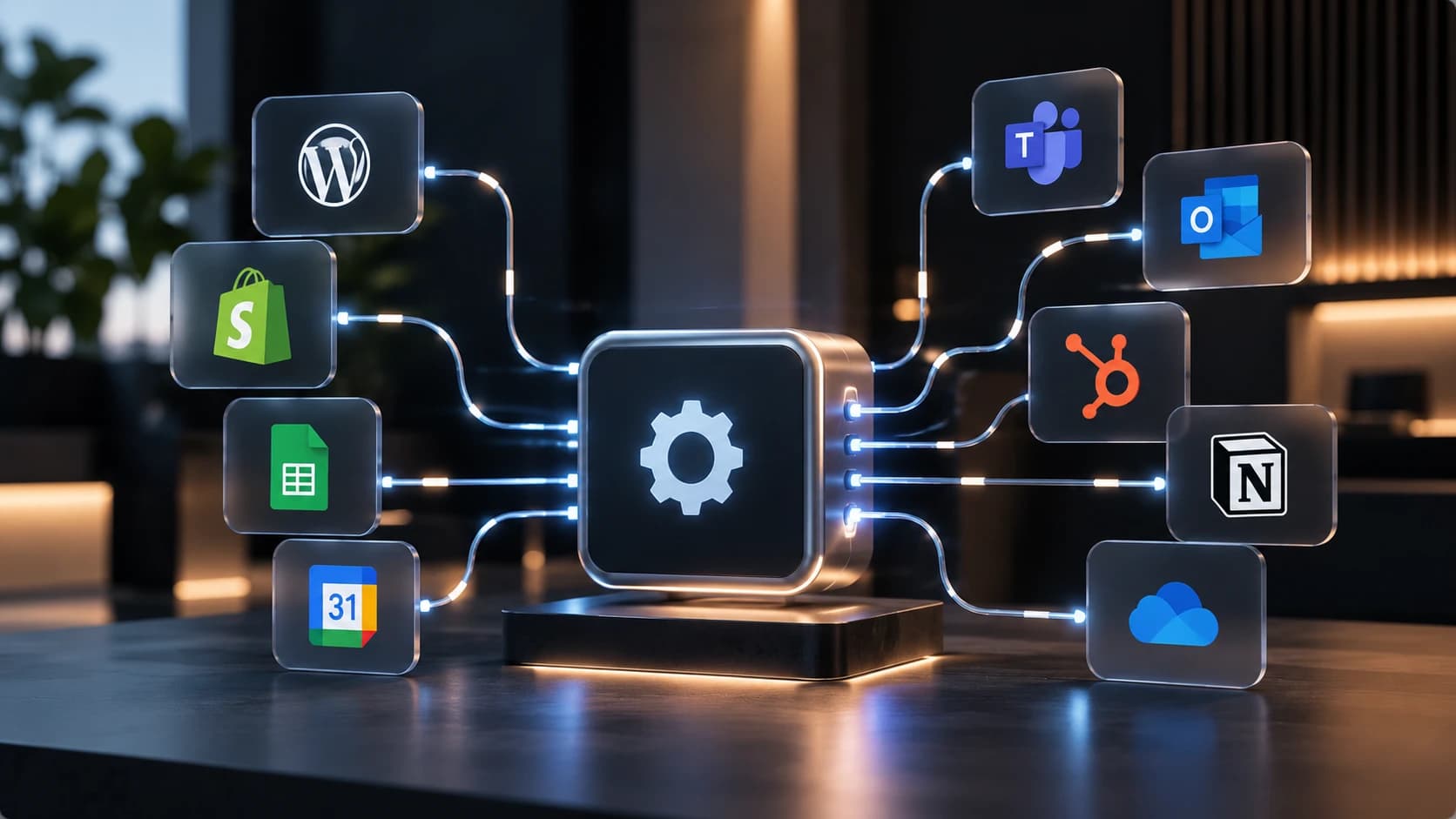
An integration is a connection that lets two systems exchange information automatically. Instead of someone moving details by hand, they're passed along when something happens — when a form is submitted, for instance.
Connecting systems
Website, CRM, email, calendar, accounting or stock management are connected so they share the same details.
The website as the entry point
An enquiry from the site can land straight in the right system instead of an inbox someone has to watch.
CRM and customer records
New contacts are created automatically with the right information, so follow-up doesn't depend on someone remembering to enter them.
Less double entry
When a detail is only typed once, both the time spent and the risk of systems disagreeing go down.
Internal workflows
Steps done today in a certain order by a certain person can run automatically once the conditions are met.
02 / COMMON CONNECTIONS
What usually gets connected
Which systems are relevant differs between companies. What matters isn't which tools you use, but where information is moved by hand today.
Form to CRM
An enquiry automatically becomes a contact to follow up, with the right fields filled in.
Booking to calendar
Booked times land straight in the right calendar, with no manual entry.
Webshop to accounting
Orders and records are transferred rather than compiled after the fact.
Alerts to the team
The right person is told when something needs action, instead of a shared inbox.
03 / HOW THE WORK RUNS
How the work runs
Mapping
We go through which systems you use and where information is moved manually today.
What's worth doing
Not everything needs connecting. We look at which tasks repeat often enough to justify the work.
Build and test
The connection is built and run against test data before it's used for real.
Going live
The integration is put into use, with checks that information lands where it should.
04 / QUESTIONS AND ANSWERS
Common questions about integrations
Can any system be connected?
Not all of them. It depends on whether the system has an open interface. We check what's possible before anything is promised.
Do we have to change systems?
Usually not. The point of an integration is to make the tools you already have work together.
What if the connection stops working?
Integrations can be affected when a system updates. That's why they need monitoring, and why a failure has to be noticed rather than pass unseen.
Is this only for larger companies?
No. Smaller companies often have more manual work per person, so the benefit can be greater even with fewer systems.